Turning a suite of AI agents into a platform anyone can orchestrate.
- Role
- Product Designer
- Duration
- 4 months
- Team
- CPO, CEO, 4 Engineers
- Tools
 GitHub
 Cursor
 Claude Code
 Claude
 Figma
Figma
Why XY needed a self-serve AI experience
XY's platform runs on AI agents — but the only way to configure them was through a human.
Verification, scheduling, claims — the agents could handle it all. But configuring them? That required a sales call. Every hour sales spent walking users through setup was an hour they couldn’t sell. I had four months to make AI orchestration something healthcare teams could set up themselves.
Three things standing in the way
AI agents required a human to configure
UI built for engineers, not healthcare teams
No way to orchestrate agents without a sales call
“Incredibly useful, impossibly confusing to use without a demo.”— User during discovery interviews
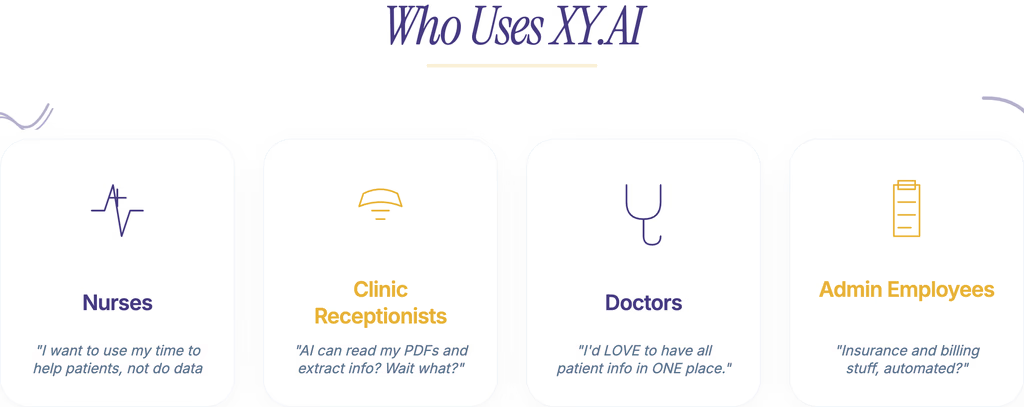
Who XY serves
Healthcare operations teams, practice managers, and administrators — not engineers
Why it matters
Every design decision had to bridge the gap between AI complexity and healthcare workflows
Design implication
The orchestration layer had to make AI agents feel approachable to non-technical users
What I Shipped
01 · AI agent orchestration
Three agents, one conversation.
I built a chat instead of forms. Users describe what they need. The system routes to the right agent. A multi-hour call becomes a five-minute conversation.
02 · Organism-level components
60+ components built for AI workflows.
Agent configuration cards, workflow status indicators, data extraction previews — built for fullscreen, sidebar, or embedded. Alongside the company's first design system: 8px grid, semantic tokens, language & tone, motion docs.
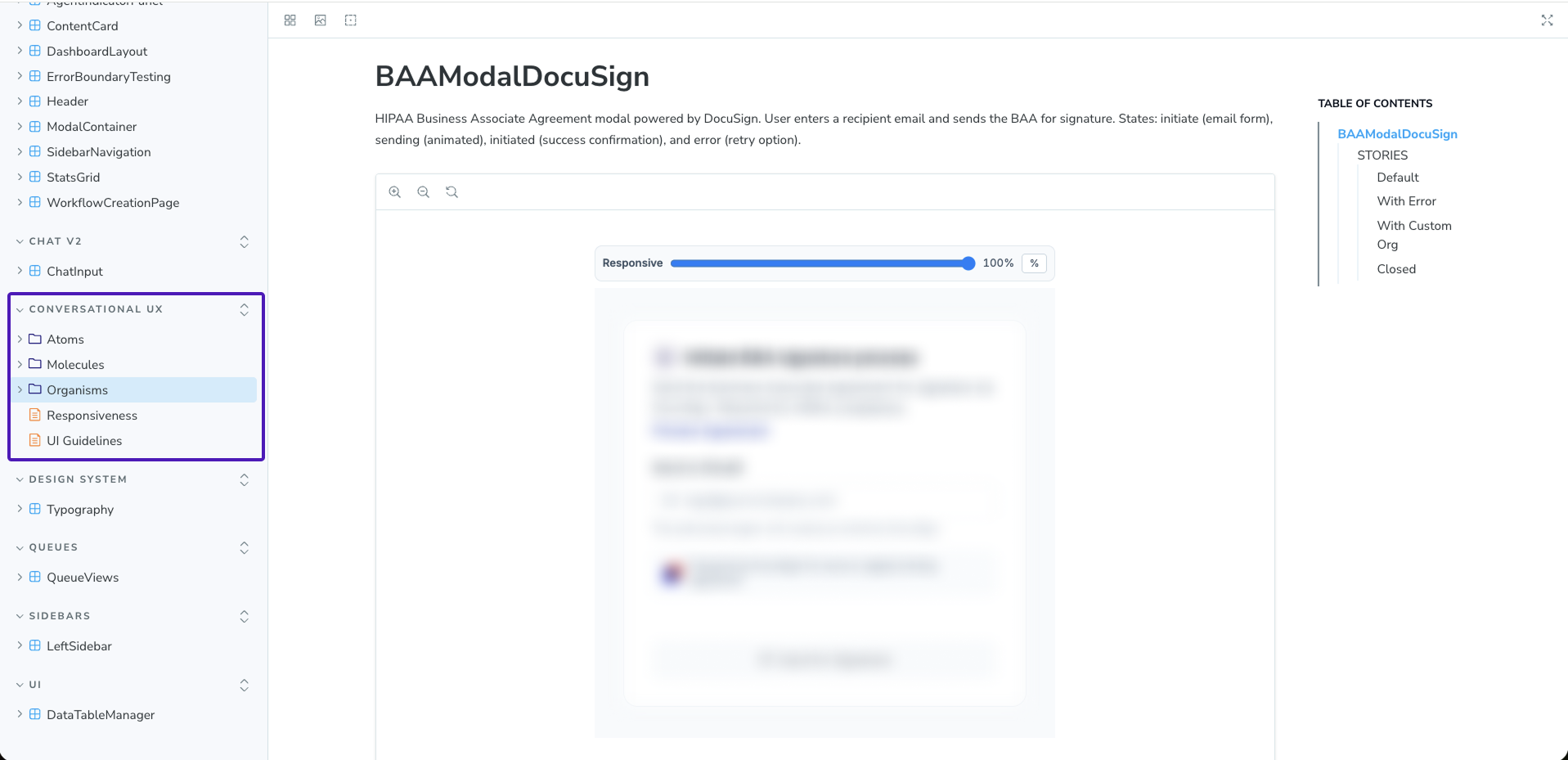
What this shows
The 60+ component library, documented and ready for engineering
Why it matters
Components designed for AI-agent interaction patterns — not generic UI
The result
Engineers pulled components directly from Storybook without designer intervention
03 · AI-native pipeline
Figma to engineering in hours.
Figma Design → Figma Make / Magic Patterns → GitHub → Engineering. Prototype-to-production in hours when a customer demo needed it. Storybook gave engineers direct access — no design handoff wait.
AI-native design stack

Figma Design → Figma Make / Magic Patterns → GitHub → Engineering · Tracked in Linear
Impact & Results
Users orchestrated agents themselves. That self-serve UX became a core sales asset.
Enterprise-ready demo
The CEO pitched the AI orchestration experience directly to enterprise customers — no engineer needed in the room.
Production infrastructure
Production-ready AI workflow components wired to Temporal for live agent orchestration — not just prototypes.
Core sales asset
The CPO and leadership reported uniformly positive feedback. The self-serve AI experience became central to how the sales team closes deals.
“This is so cool! It makes perfect sense to make these complex flows chat-friendly. I would have trouble knowing where to start.”— User during testing sessions
“Your design instinct is really strong, and that's hard to teach. The visual design combined with the UX… you did some really good work here.”
Internal Practices Introduced
I was the only designer, reporting directly to the CPO and CEO. The workflow was mine to own.
- 01
Design-to-engineering pipeline ownership
Linear tracked every move from Figma to production. Clear tickets, estimates, review cycles.
- 02
Rigorous design standards
The company's first design practice: 8px grid, semantic tokens, typography, spacing, language & tone, motion documentation.
- 03
AI-powered workflow tracking via Claude MCP
Claude MCP connected Figma to production in hours, not sprints.